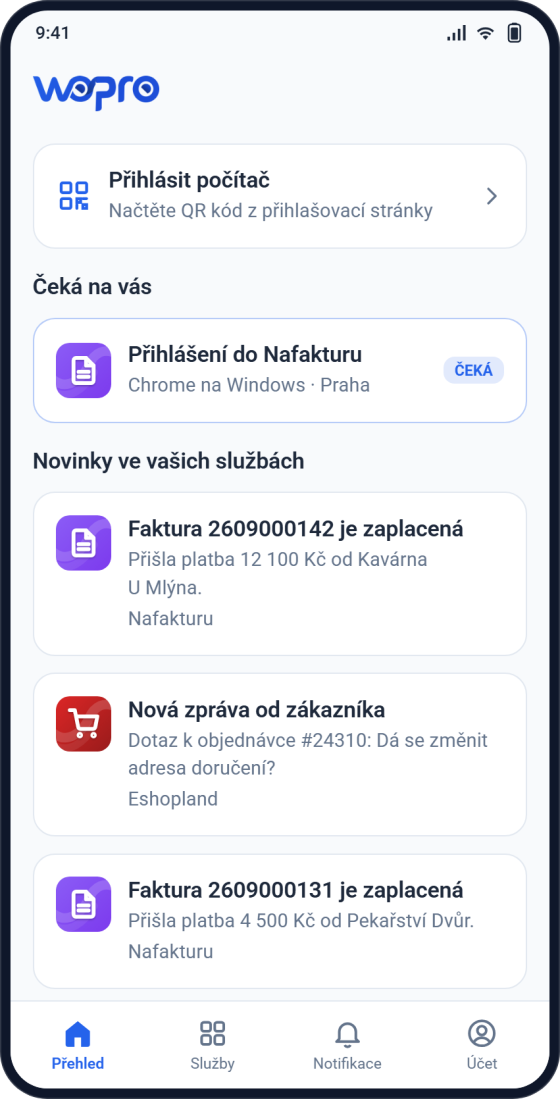
Everything important in one place
The overview shows what waits for your approval and what just happened in your services. You also sign in a computer from here.
The key to your account and all your services in one place. Approve a login with one tap and know about a paid invoice right away.
Free, no ads and no in-app purchases. For iPhone and for phones with Android 7 or newer.
The Wopro app is the hub for everything you use in Wopro. You do not have to search or sign in again: tap and you are there.
Did a customer pay an invoice? Is someone asking about an order? The message arrives on your phone and one tap takes you straight to the invoice or order.
Nafakturu, Eshopland, Podpisuj, Cloud, UložData and more sit in one list. They open already signed in and you work in them like on the web, with no password to type.
You sign in a computer by scanning the QR code on the login page and approving on your phone. No copying codes from text messages.
Do you run more than one company? You switch between them in the app and every message shows which company it concerns.
With two-step verification on, you learn about every sign-in to your account right away and allow or deny it with one tap.
For each type of message you choose whether you want it, and you set quiet hours when the app will not disturb you.
We do not promise anything extra. This is what the app really does today.
The overview shows what waits for your approval and what just happened in your services. You also sign in a computer from here.
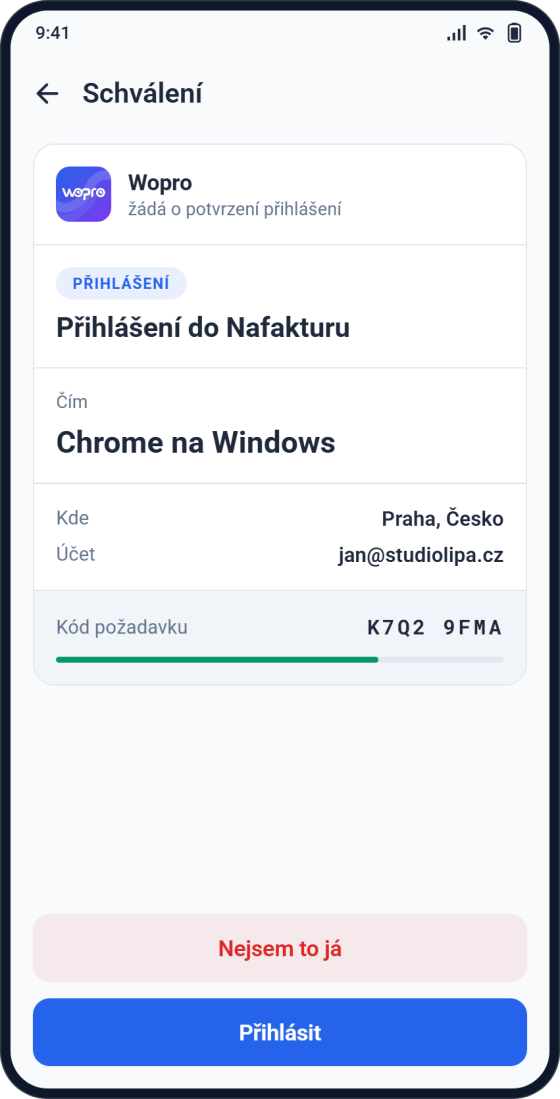
The request shows the browser, the city and the account. The code on the phone screen matches the one in the browser, so you know you are approving your own login. Allow or deny with one tap.
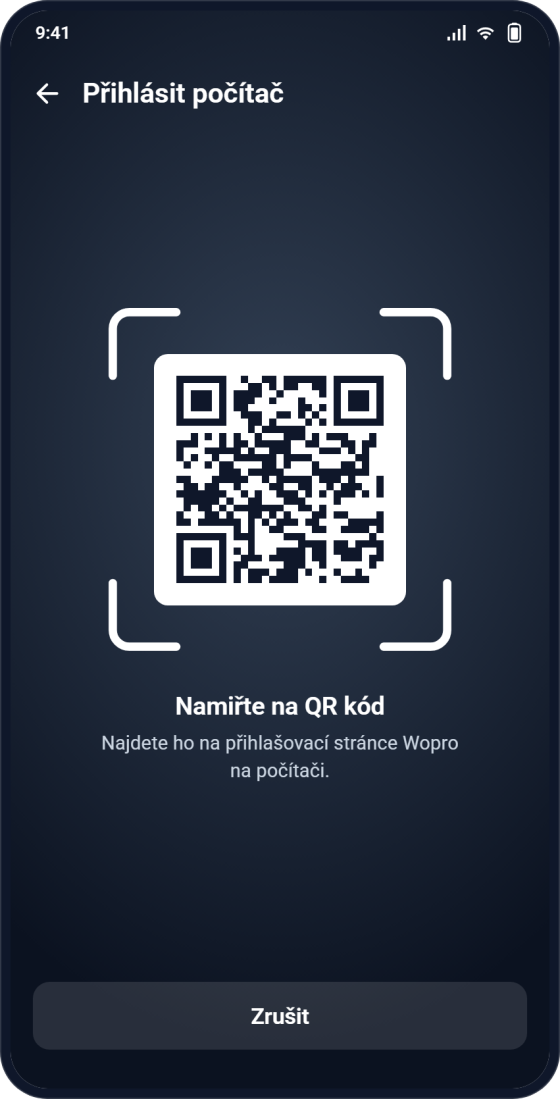
On the Wopro login page you scan a QR code with your phone, approve, and the computer is signed in. You never type the password.
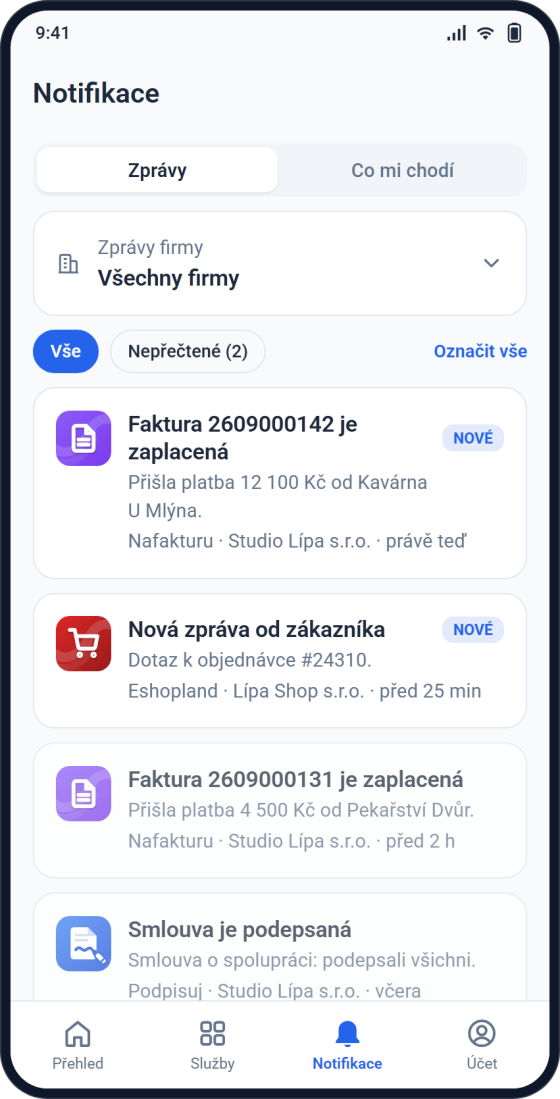
Paid invoices from Nafakturu and customer messages from Eshopland. Tap a message to go straight to the invoice or order. You decide what you receive and set quiet hours.
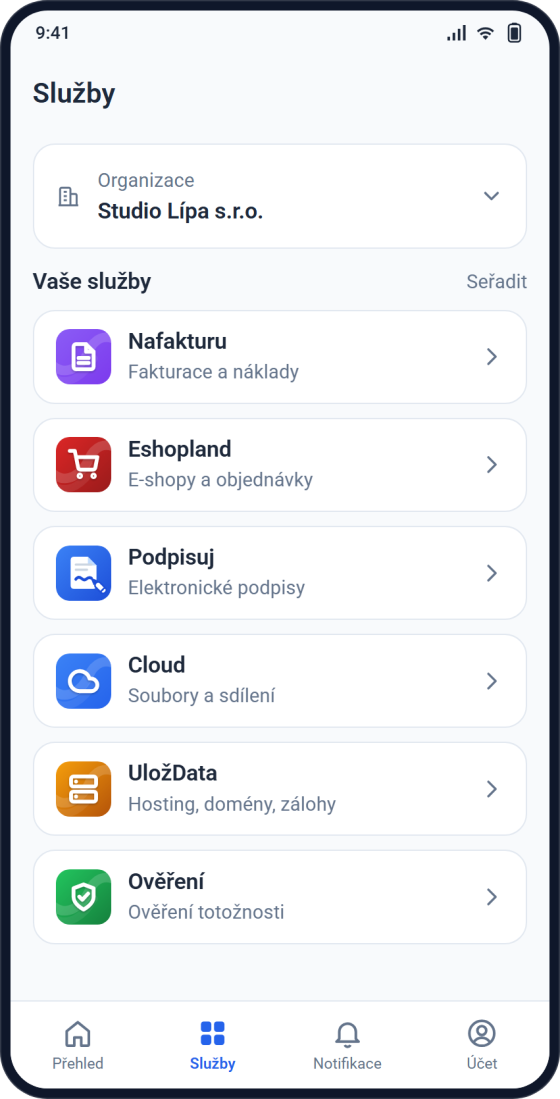
Nafakturu, Eshopland, Podpisuj, Cloud, UložData and more open already signed in, without typing a password again. If you run several companies, you switch between them.
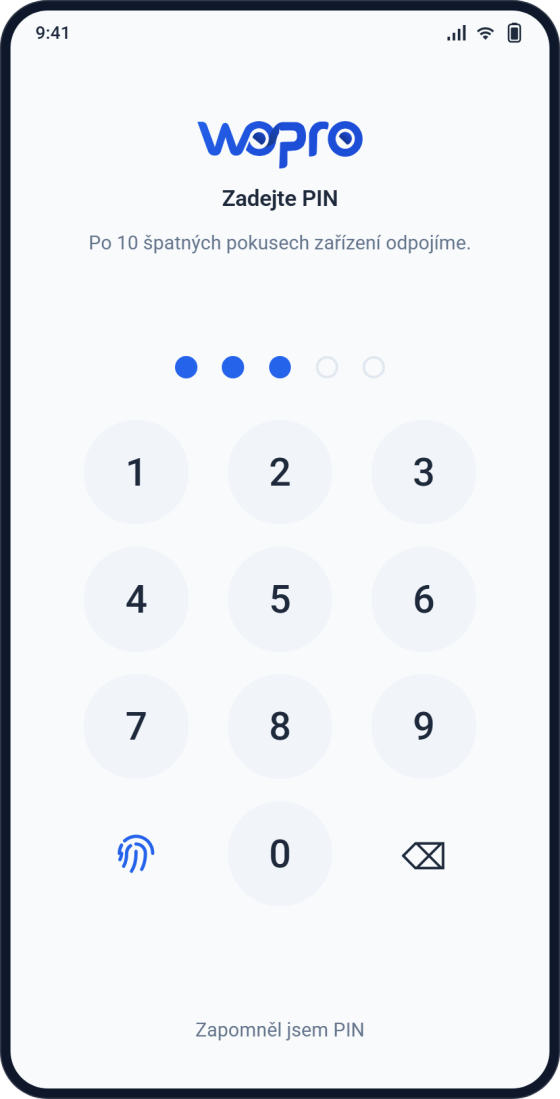
Only you can open the app: with a fingerprint, your face or a PIN. After ten wrong attempts the device is disconnected from the account.
Enter the e-mail of your Wopro account, we send a code to it and you type it into the app. That pairs the phone with your account.
A five-digit PIN, or a fingerprint or face. Then only you can open the app.
The app offers it straight away. From then on, every sign-in on a computer sends a confirmation to your phone.
You need a Wopro account to use it. Do not have one? Create it for free.
The app does not send it anywhere, not even to us. It sits in the phone's secure storage, not as readable text.
The phone itself checks them and the app only learns "yes, it is the owner".
When you turn two-step verification on or off or disconnect a device, the app first shows exactly what you are about to change.
On a computer you sign in with a backup code and disconnect the lost device in your account settings on wopro.cz.
Nothing. The app is free, with no ads and no in-app purchases.
On iPhones and on phones with Android 7 or newer.
Sign in on a computer with the backup code you received when you turned on two-step verification, and disconnect the lost phone in your account settings on wopro.cz. Then install the app on a new phone and pair it again.
Yes. Each device is paired separately and you can disconnect any of them at any time.
You can unlock the app without a signal. Login approvals and new messages need a connection, though.
You do not have to, but we recommend it. Without it only your password protects you. The app reminds you and you turn it on right inside it.
Most often notifications for the Wopro app are switched off on the phone. You can see the state in the app under Account, "Oprávnění aplikace" (app permissions), which takes you straight to the phone settings.
Only what it needs to work: your name and e-mail from the account and a device label, so it can send you notifications and you can disconnect the device. It does not track your location, sells nothing and has no ads. Details are in the privacy policy.
Write to [email protected].
Free on Google Play and the App Store. You sign in with your Wopro account.